
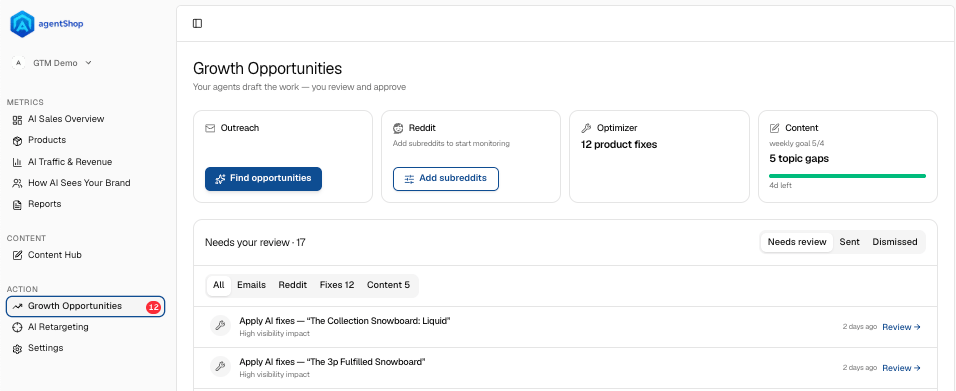
The four opportunity types (top cards)
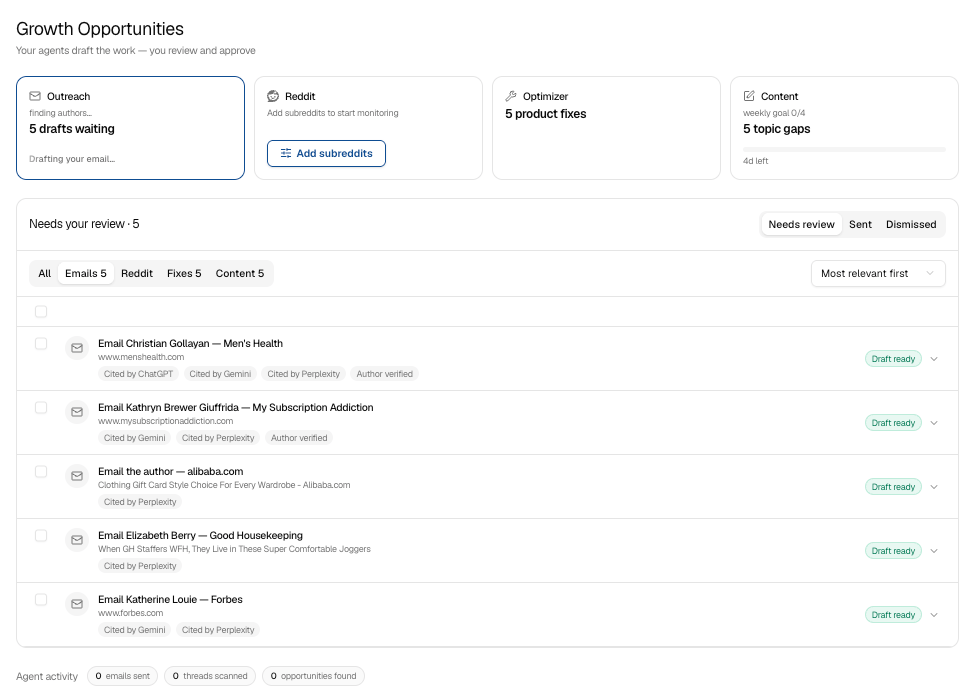
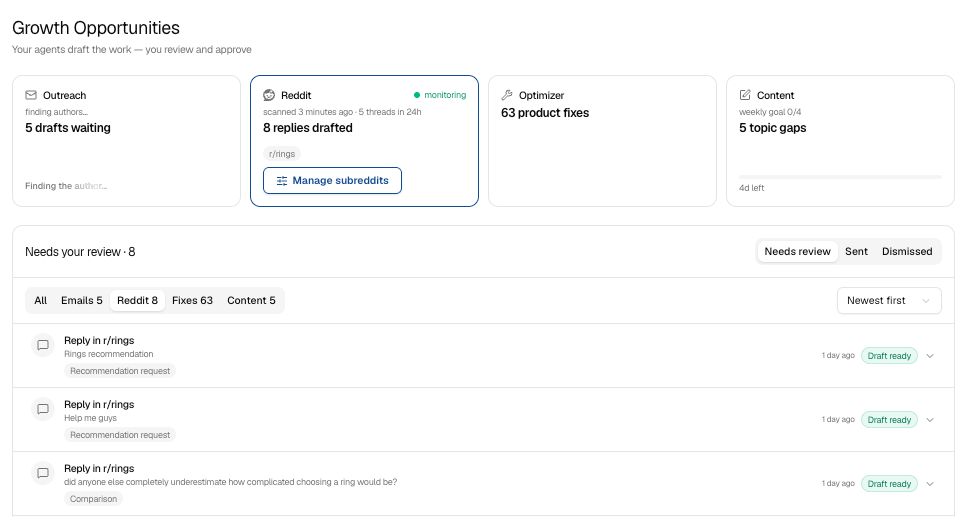
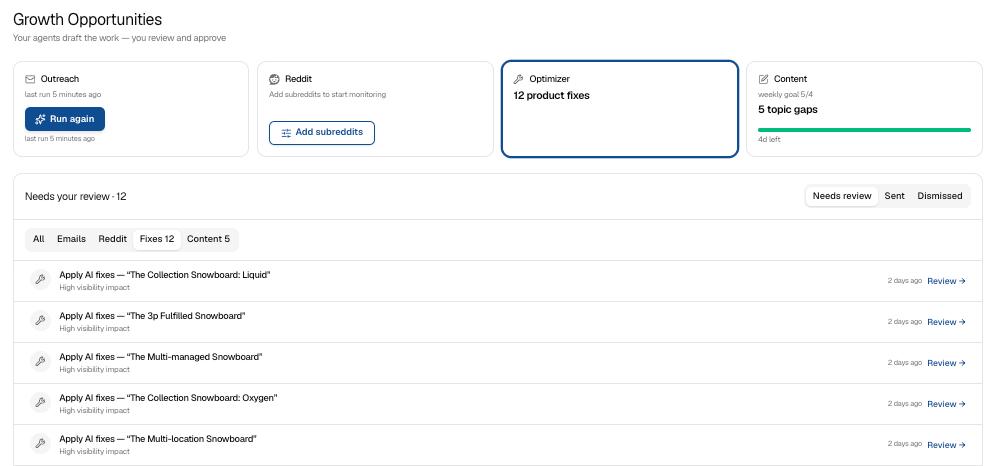
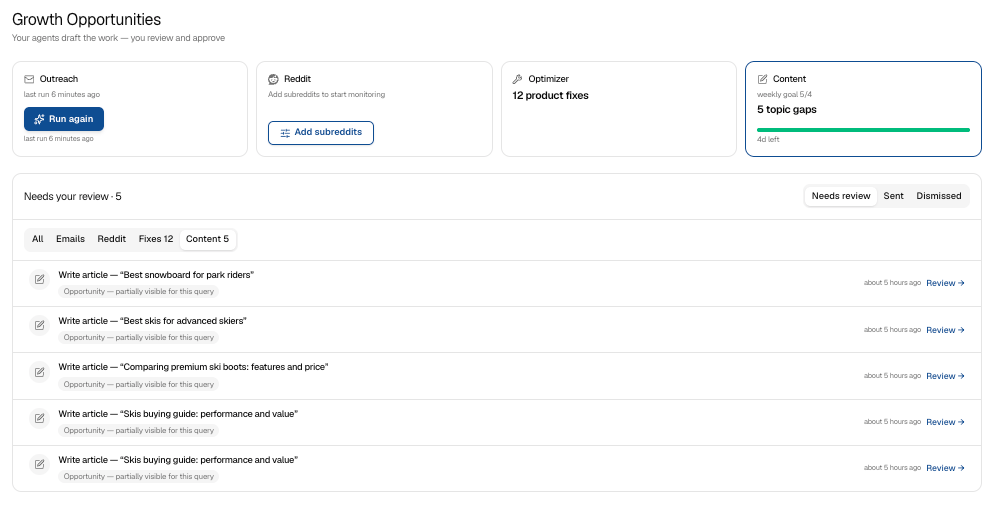
Outreach. Finds articles that AI already cites, drafts an email to the author pitching your product for inclusion, and stacks the drafts up for your review. Run again kicks off a fresh scan. Reddit. Monitors the subreddits where your customers ask for recommendations and drafts a reply for each relevant thread. Use Manage subreddits to set which communities it watches. Optimizer. Surfaces product-page fixes that make AI more likely to recommend a product. Reviewing these takes you into the product-page (PDP) optimization flow. Content. Flags shopping topics where you’re invisible and worth writing about, against a weekly goal. Reviewing these takes you into the Content Hub to generate the article. If a card shows “Something went wrong” (for example, “agent produced no author or pitch”), just hit Retry — the agent will re-draft that item.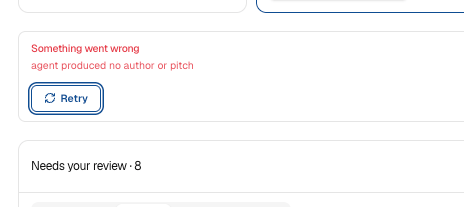
The review queue
Everything the agents draft lands under Needs your review. Filter by type with the tabs — All, Emails, Reddit, Fixes, Content — and switch between Needs review, Sent, and Dismissed to see where things stand. Sort by newest or most relevant.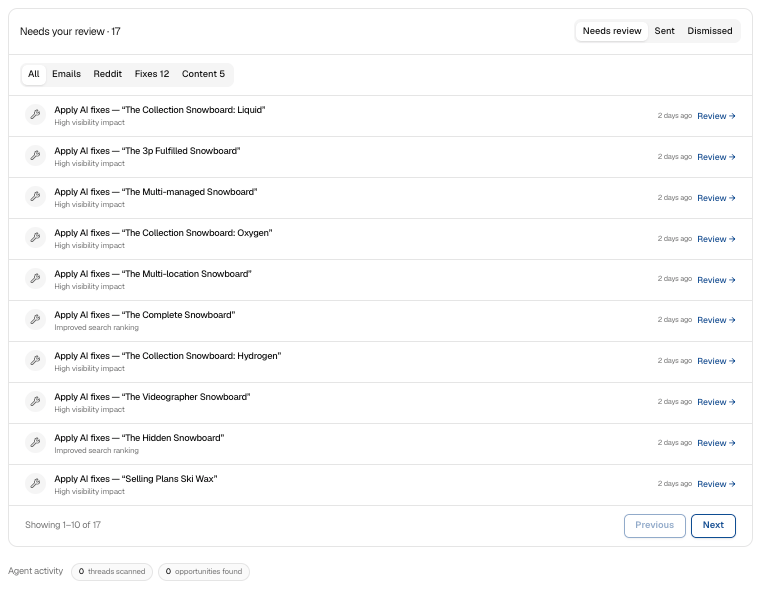
Manage subreddits
From the Reddit card, Manage subreddits opens the list of communities agentShop scans — the places your customers ask for recommendations. Add or remove subreddits, then Save subreddits. Choose communities where buyers actually ask for advice; that’s where the useful threads come from.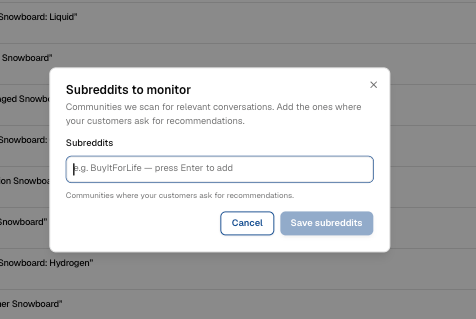
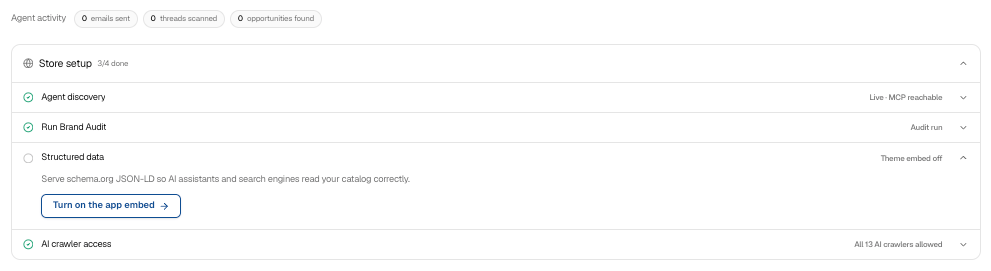
Store setup and agent activity
At the bottom, Store setup tracks the foundations that make all of this work: Agent discovery (whether AI can read your/agents.md and /llms.txt), Run Brand Audit, Structured data, and AI crawler access. Work through anything not yet green — if Agent discovery shows Not responding, a theme template or domain proxy is likely overriding it; click Review to fix. The Agent activity strip shows what the agents have been doing — threads scanned, opportunities found, emails sent, and the last scan time.