

1. Connect your Shopify store
In Settings → Store, connect the Shopify store agentShop should analyze. agentShop only reads your catalog and store data — it never changes or charges your store. Once connected, your products sync and an initial AI-visibility analysis runs.2. Connect Google Analytics 4
In Settings → Integrations, connect Google Analytics 4. The connection is read-only and powers the honest, cross-checked revenue attribution on the AI Traffic & Revenue page. Connect it early so your numbers are complete from day one.3. Run your first Brand Audit
From the dashboard, click Run Brand Audit (or open How AI Sees Your Brand and scroll to the Brand Audit section). It scans how AI platforms see your store and returns a ranked list of fixes. The Brand Audit workflow walks through every step.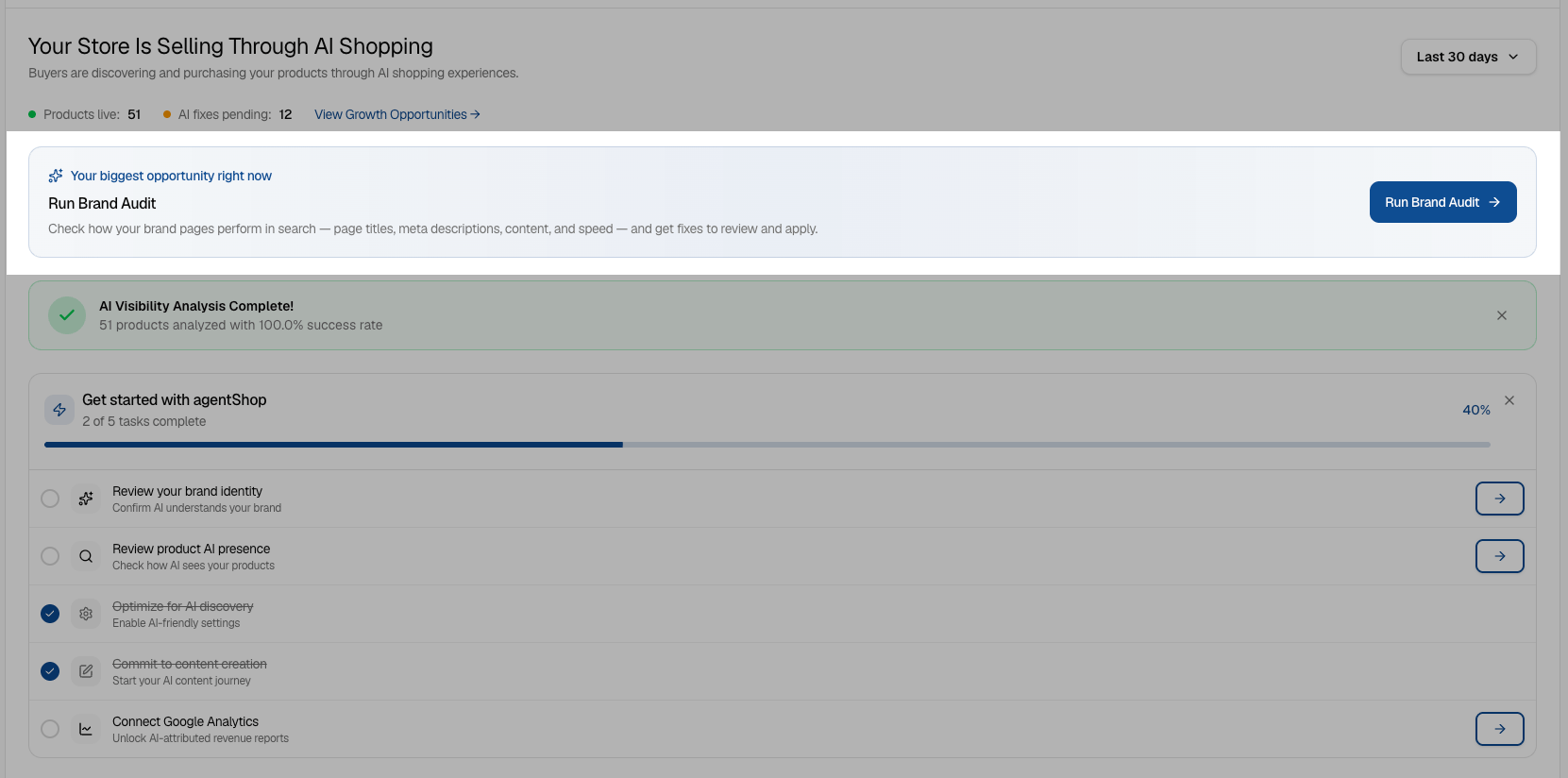
4. Review the results and act
- Check How AI Sees Your Brand for your visibility, share of voice, and the prompts you’re missing.
- Open Products and sort your attention by the AI Visibility column to find zero-mention products worth optimizing.
- Head to Growth Opportunities, where your agents queue up outreach, Reddit replies, product fixes, and content for your approval — nothing goes out without your sign-off.